What SQL Does
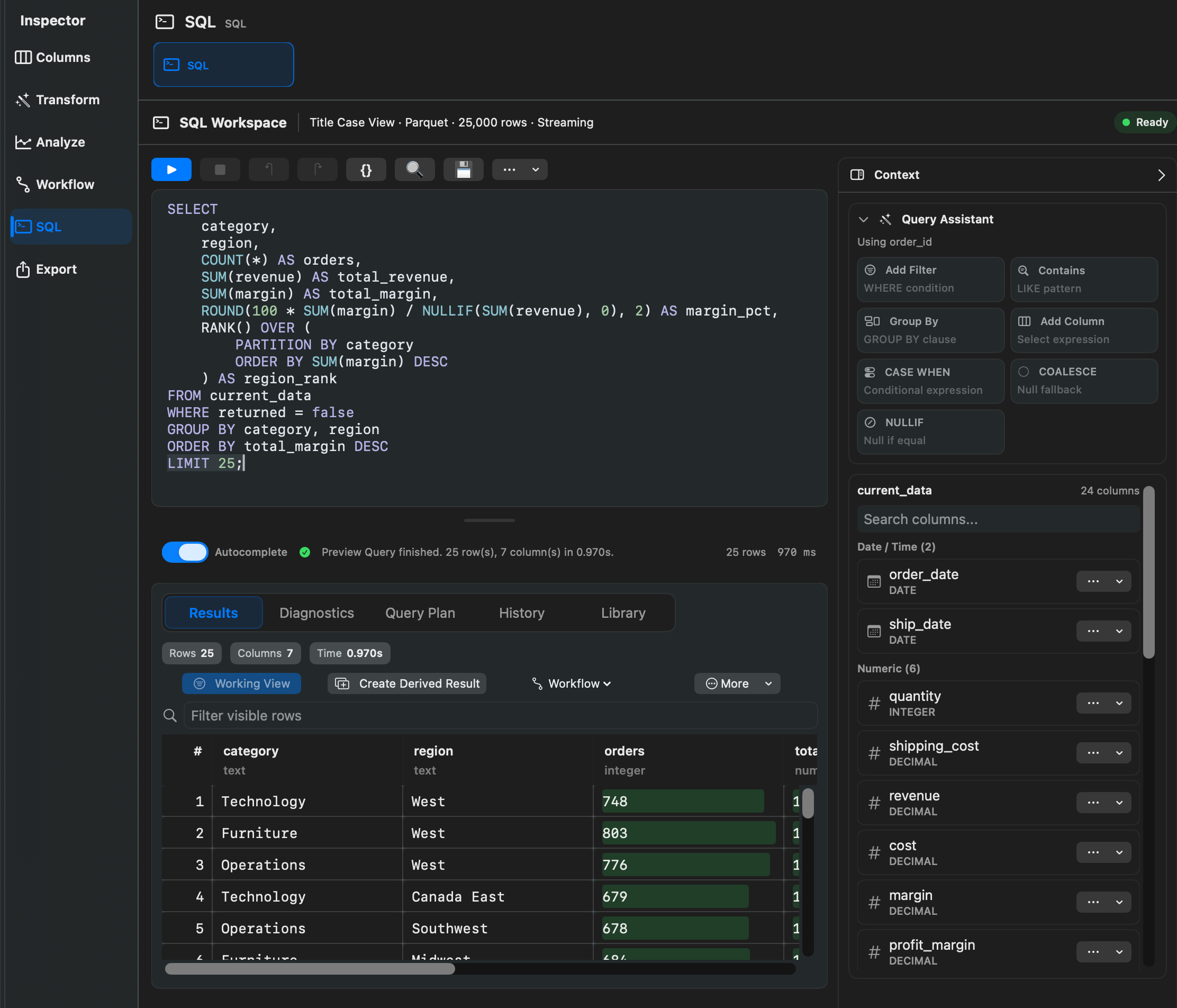
Rowpath lets you query the current dataset with SQL. The active table is available as:
current_dataSQL is useful for custom filters, summaries, comparisons, cleanup projections, and repeatable query-based workflows.
Running A Query
- Open the SQL inspector.
- Write a query against
current_data. - Choose Run for a preview. Rowpath adds a 1,000-row limit to preview SELECT results when needed.
- Choose Run Full Query to execute the SQL exactly as written.
- Save the result, create a derived result, export it, or add compatible SQL to a workflow.
The SQL toolbar includes actions such as Run Full Query, Insert current_data, Reset Preview Query, Remove LIMIT, and Clear.
SQL Working Views
Some SQL results can become Working Views. A SQL Working View must preserve the current table shape. In practice, that means a single SELECT from current_data that keeps the current columns and only filters, sorts, or limits rows.
SQL that changes the result shape, such as selecting a different column set, grouping, joining, unioning, pivoting, or adding aggregate rows, should be saved as a derived result instead.
Templates And Saved Queries
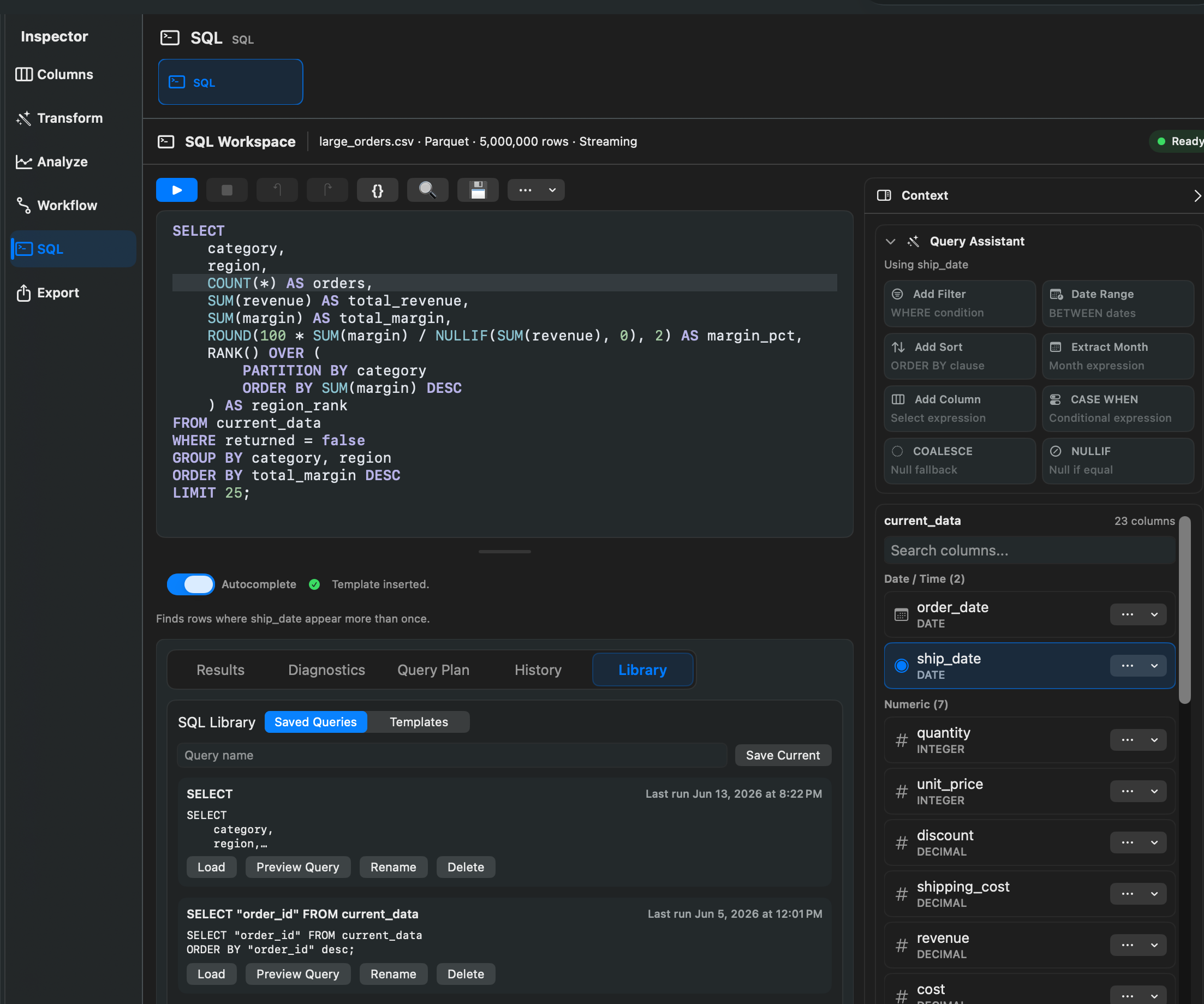
Rowpath includes SQL templates for data quality, exploration, cleaning, helper snippets, comparisons, and workflow starters. Templates can insert SQL, preview a query, or help start a workflow.
Saved Queries / History lets you keep and reload queries you use often.
Notes
- Preview queries use a 1,000-row limit when no suitable limit is present.
- Search-related SQL preview paths use a larger internal preview limit.
- Use templates when you want a safe starting point for common checks.
- Use workflows when a SQL query should become part of a repeatable process.
Related pages:
Screenshots