What It Does
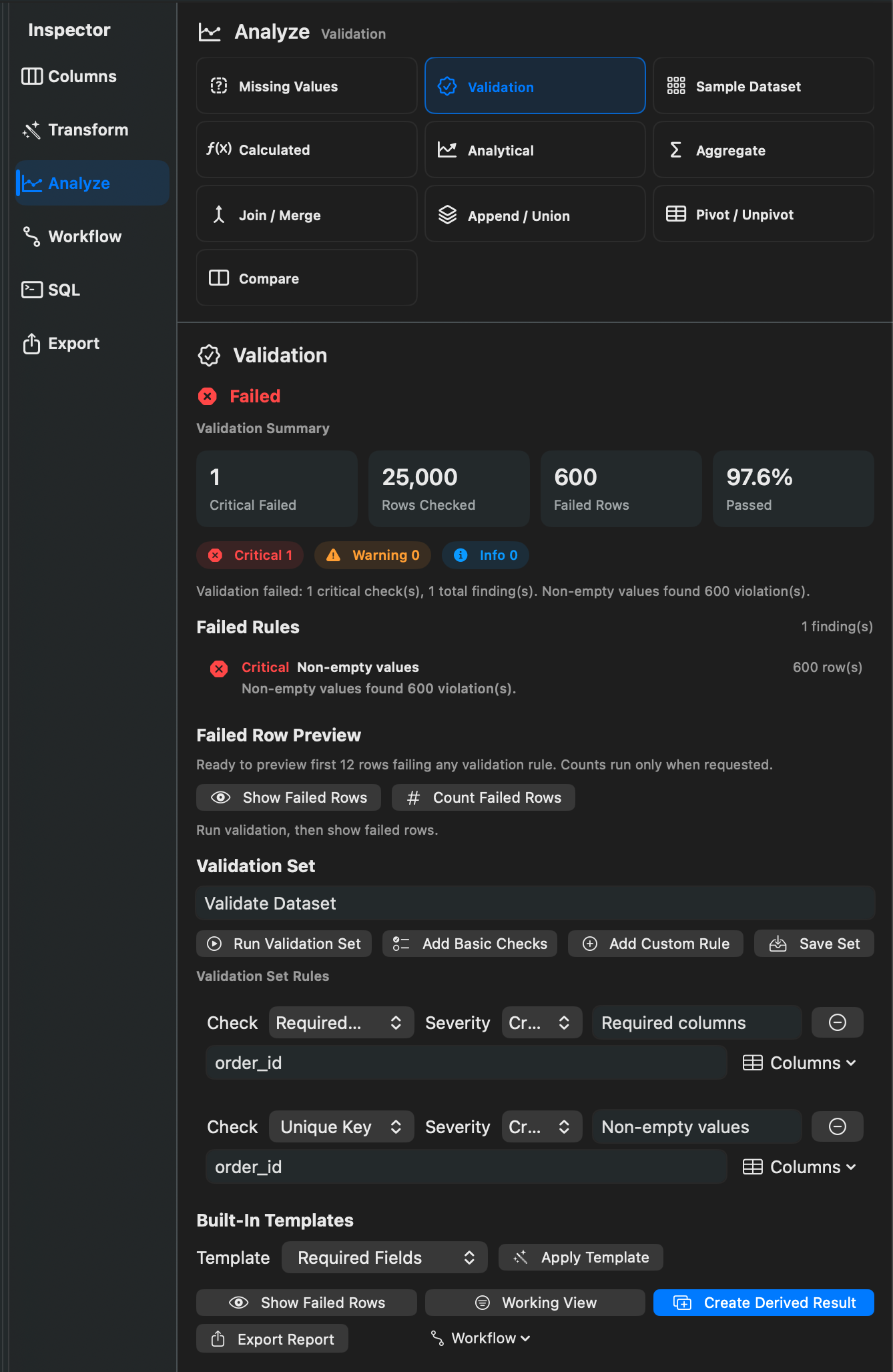
Validation checks whether a dataset meets defined rules. It can report problems, fail a workflow, or skip following workflow steps depending on the configured action.
When To Use It
Use Validation when you need to:
- Require specific columns before running a workflow.
- Check unique keys.
- Require non-empty values.
- Verify numbers, dates, allowed values, text patterns, or email-like text.
- Stop exports when data quality checks fail.
How To Use It
- Add a Validate Dataset step or open the validation inspector.
- Choose one or more rules.
- Set severity to Critical, Warning, or Info.
- Choose the branch action: Warn / Continue, Fail Workflow, or Skip Next Steps.
- Preview failed rows or run the workflow.
Supported rule types include Required Columns, Unique Key, Non-empty Values, Type Check, Number Range, Date Range, Allowed Values, Text Contains, Text Pattern, and Email-like Text.
Notes
- Validation templates include Required Fields, Unique Key, Contact List, Financial Dataset, and Inventory Dataset.
- Failed-row previews are intentionally limited for review.
- Use Missing Values for exploratory completeness reports; use Validation for rules that should affect workflow behavior.
Related Features
Screenshots