What You Can Open
Rowpath opens local tabular data files. Supported import formats are:
- CSV
- TSV
- Delimited text / plain text
- Excel Workbook (
.xlsx) - JSON
- NDJSON / JSON Lines
- Parquet
- DuckDB database (
.duckdb) - HTML tables
- Markdown tables
Fixed-width files are not listed as supported.
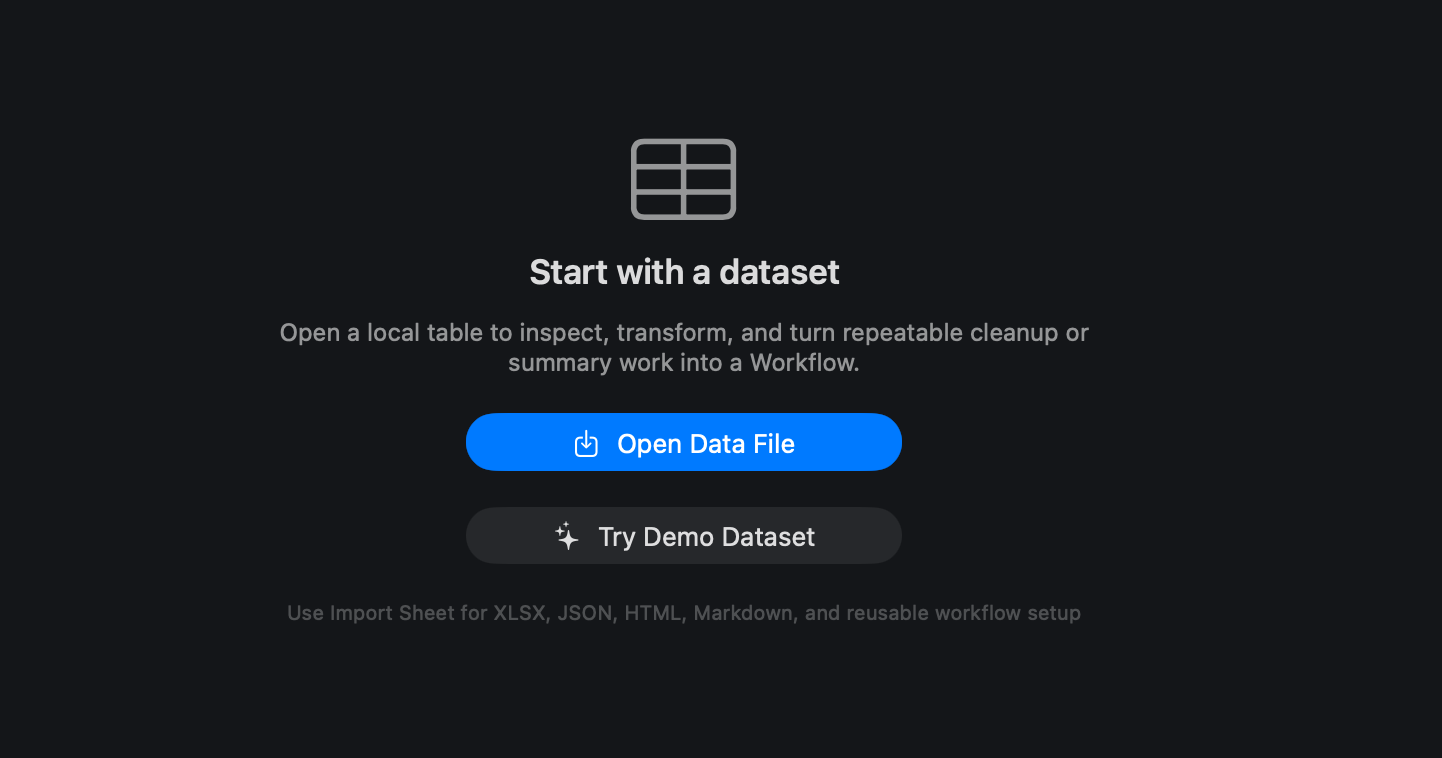
Opening A File
- Choose Open / Import....
- Select a local data file.
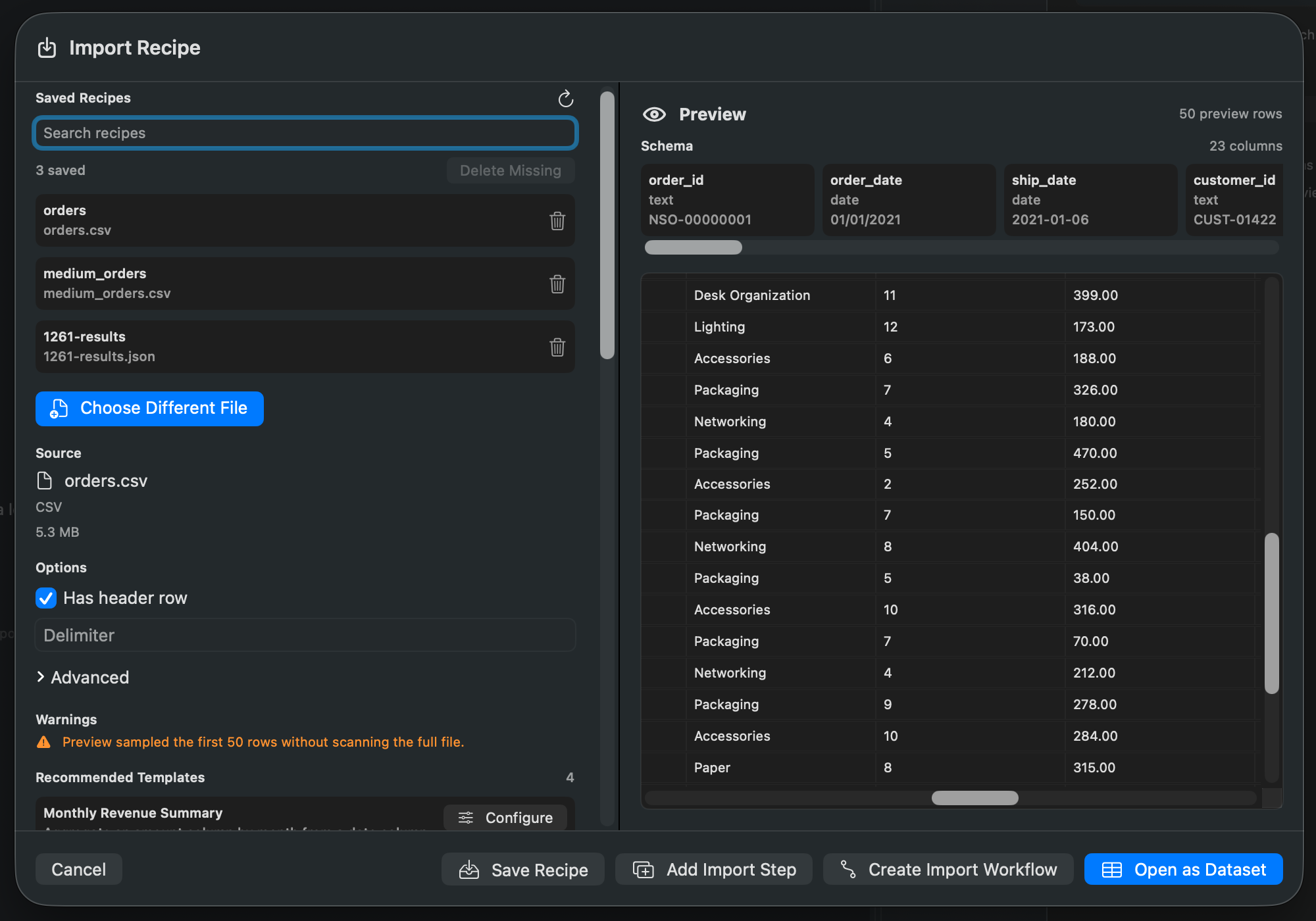
- Use the Import Sheet when Rowpath needs format-specific options, sheet/table selection, JSON path selection, or workflow setup.
- Review the preview and import warnings.
- Open the dataset.
For simple delimited files, Rowpath can open a preview quickly and use optimized local backing data for larger files. For Excel, JSON, NDJSON, HTML, Markdown, Parquet, and DuckDB database imports, Rowpath uses the import path that matches the file type.
Import Options
Depending on the file type, Rowpath may expose options such as:
- Header row handling.
- Encoding.
- Delimiter and text parsing options.
- Excel sheet selection.
- JSON or NDJSON record selection.
- HTML table selection.
- Markdown table selection.
- DuckDB table selection.
- Saved import recipes.
- Workflow setup after import.
Local File Access
Rowpath opens files from your Mac. The workflow and import infrastructure stores access to chosen local source and destination files so reusable workflows can run again without asking you to reselect the same files each time.
Notes
- Rowpath can open large files in a preview-backed mode before loading or exporting the full dataset.
- The original file is not rewritten just because you open it.
- Use Working Views for non-destructive cleanup and analysis.
- Use Exports when you want to write a new file.
Related pages:
Screenshots