What It Does
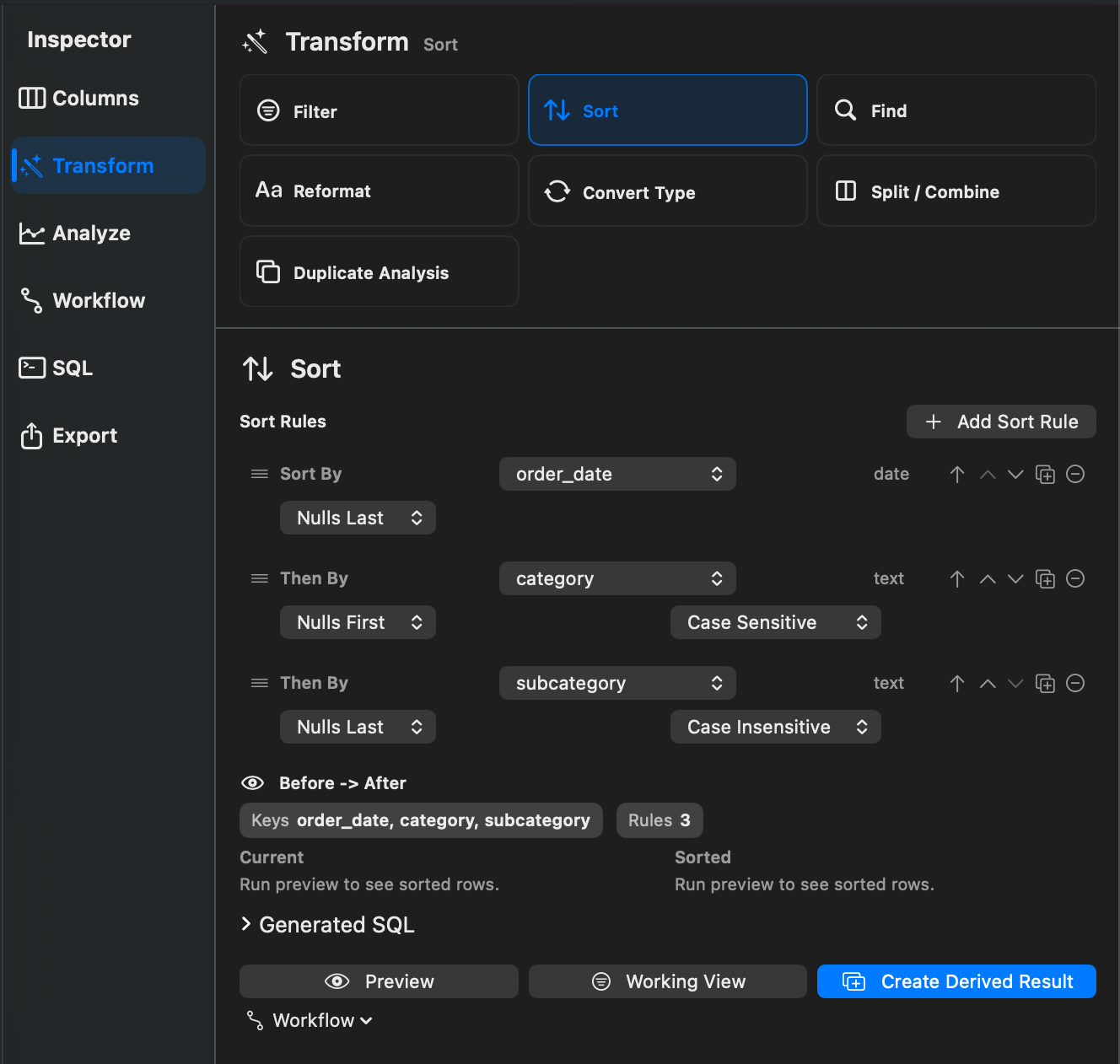
Sorts reorder rows by one or more columns. Rowpath supports ascending and descending order, type-aware sorting, null placement, and case-sensitive or case-insensitive text sorting.
When To Use It
Use Sorts when you need to:
- Review records in a meaningful order.
- Put blanks first or last.
- Sort numbers, dates, or text with the expected comparison behavior.
- Prepare data before duplicate review, export, or reporting.
How To Use It
- Open Sort.
- Choose a column.
- Choose ascending or descending order.
- Set null placement to Nulls First or Nulls Last.
- Set text comparison to Case Insensitive or Case Sensitive when applicable.
- Apply the sort to the current Working View or create a derived result.
Notes
- Sorting in a Working View does not modify the source dataset.
- Multi-step Working Views can combine sorting with filters, calculated columns, duplicate analysis, and other compatible steps.
Related Features
Screenshots