Local-First Design
Rowpath works with local files on your Mac. Import, browsing, SQL, Working Views, workflows, and exports operate through local file access and local processing paths. Normal import, export, SQL, and workflow execution do not require dataset upload.
Large-File Browsing
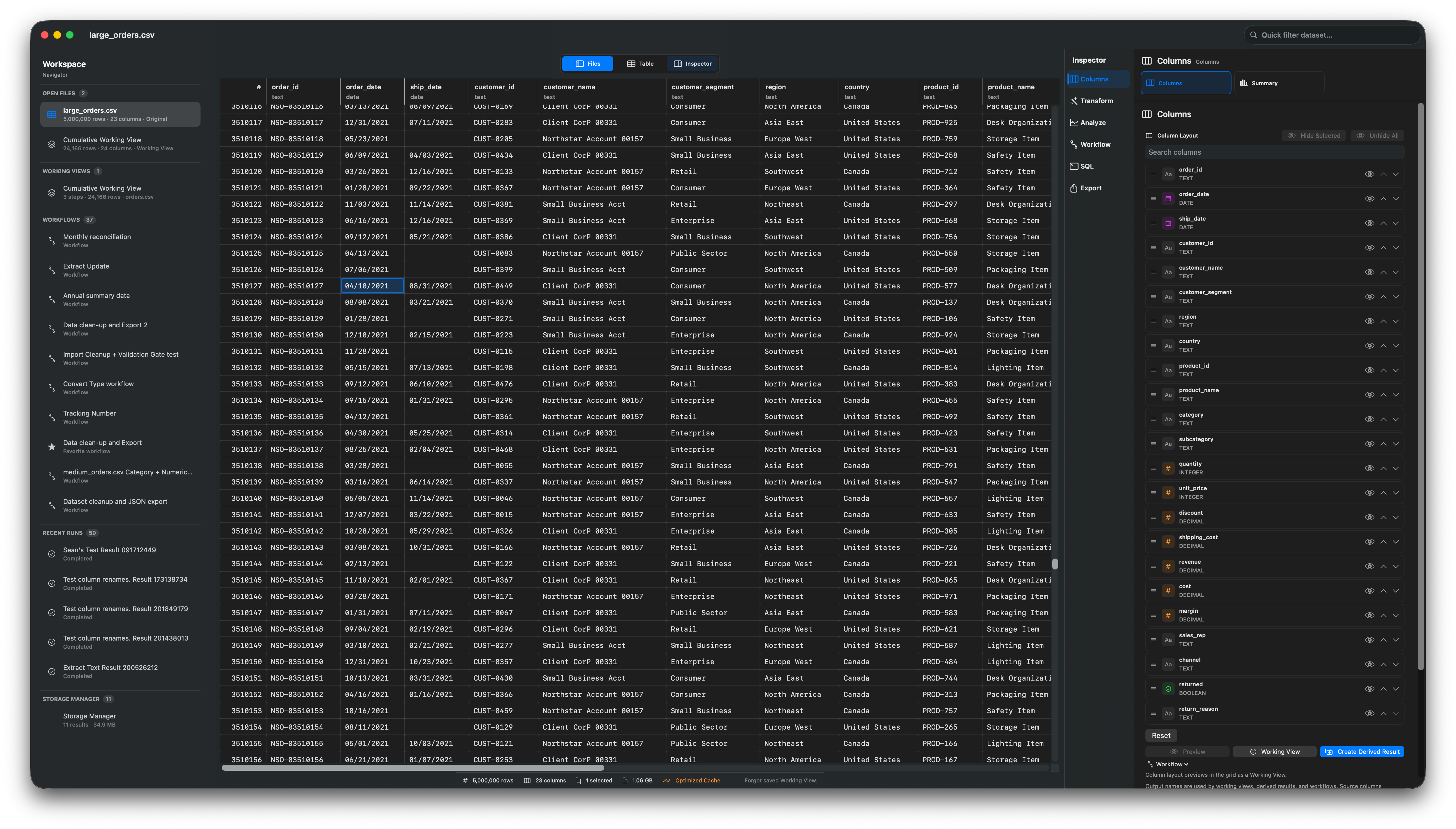
For large files, Rowpath can open a preview-backed dataset first. This lets you inspect columns and rows quickly without waiting for every operation to fully scan the source.
For delimited files and other supported sources, Rowpath can also build optimized local backing data so repeated analysis, SQL, and export operations can run more efficiently.
Non-Destructive Working Views
Working Views let you stack filters, sorts, duplicate review, calculated columns, SQL-compatible row filters, and other compatible operations without rewriting the original file. A Working View records the steps needed to produce the current view.
Use Create Derived Result or Export when you want to keep or write the transformed output.
Why Some Operations Are Instant
Some changes affect only the way columns are presented. Renaming, hiding, and reordering columns can apply immediately because they do not require scanning or rewriting the dataset.
Other operations need to inspect rows. Filters, duplicate analysis, validation, aggregates, and full exports may scan the relevant data and can take longer on large files.
Memory Mode
The Load Into Memory action loads a dataset into an in-memory table for repeated full-file operations. The UI shows estimated memory, available memory, expected benefit, and a risk level before or during the operation.
Use Memory Mode when you plan to run several full-dataset queries or operations and have enough available memory. It is a memory-for-speed tradeoff.
Performance Expectations
- Opening a large file can be fast when Rowpath starts with a preview.
- Column layout changes can be immediate.
- Row scans and duplicate analysis can take longer as file size grows.
- Exports may need to run over the full current view or source, not only visible preview rows.
- Loading into memory may take time up front but can improve repeated full-file operations.
Related pages:
Screenshots