What It Does
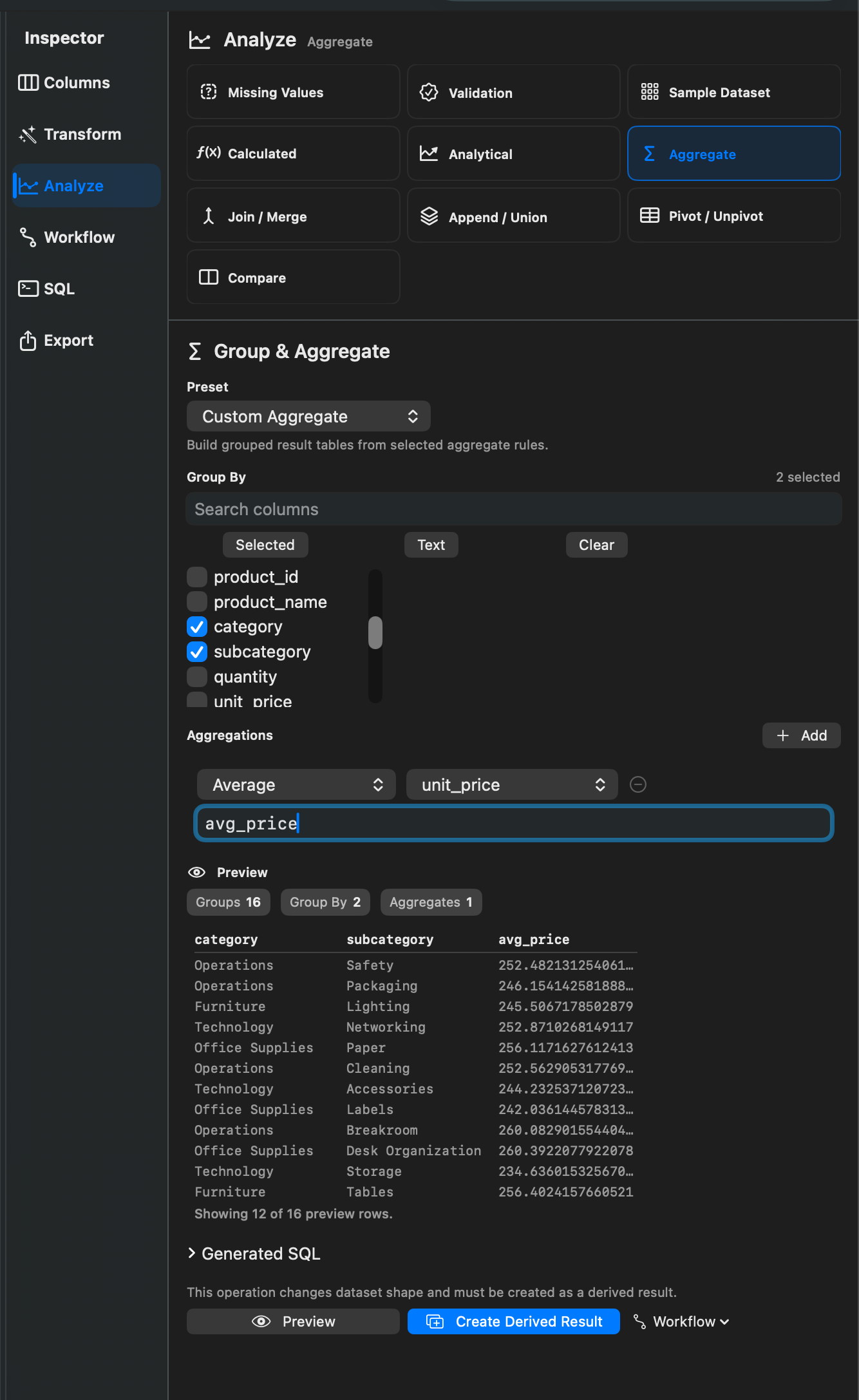
Aggregates summarize rows. Rowpath can count rows, count non-empty values, sum, average, find minimum or maximum values, and count distinct values.
When To Use It
Use Aggregates when you need to:
- Count records by category.
- Sum or average values by group.
- Create min/max summaries.
- Count distinct values.
- Produce a compact reporting table from a larger dataset.
How To Use It
- Open Group & Aggregate.
- Choose one or more group-by columns, or leave grouping empty for a whole-dataset summary.
- Add aggregate rules.
- Choose functions such as Count rows, Count non-empty, Sum, Average, Min, Max, or Count distinct.
- Preview and create a derived result or workflow step.
Presets include Count by category, Sum by category, Average by category, Min/max by group, and Distinct count by group.
Notes
- Aggregates usually change the shape of the dataset, so they are best saved as derived results rather than row-preserving Working Views.
- Count rows does not require a source column.
- Aggregates are useful after filters or SQL queries have narrowed the dataset.
Related Features
Screenshots