What They Do
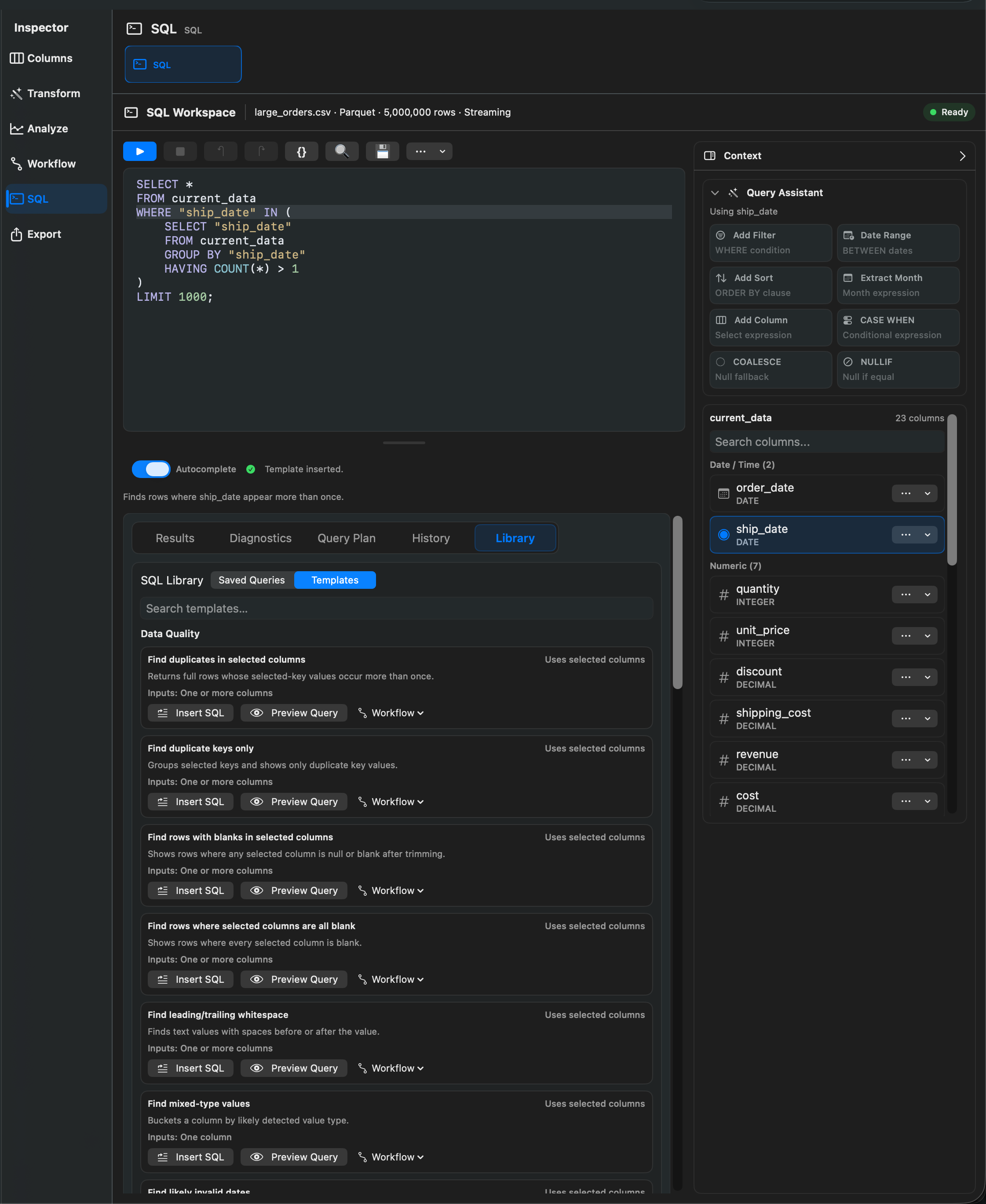
SQL Templates insert or preview common SQL patterns against current_data. They help you start from known-good query shapes instead of writing every query from scratch.
Template Categories
Rowpath includes these SQL template categories:
- Data Quality
- Exploration
- Cleaning
- SQL Helpers
- Comparison
- Workflow Starters
Available Templates
Data Quality templates include:
- Find duplicates in selected columns.
- Find duplicate keys only.
- Find rows with blanks in selected columns.
- Find rows where selected columns are all blank.
- Find leading/trailing whitespace.
- Find mixed-type values.
- Find likely invalid dates.
- Find repeated full rows.
Exploration templates include:
- Preview first 100 rows.
- Count all rows.
- Count by selected column.
- Top values in selected column.
- Distinct values in selected column.
- Summary stats for numeric column.
- Min/max for selected column.
Cleaning templates include:
- Create cleanup query.
SQL helper templates include:
- SELECT selected columns.
- WHERE selected column equals value.
- WHERE selected column contains text.
- ORDER BY selected column.
- GROUP BY selected column.
- Add LIMIT.
Comparison templates include:
- Compare two selected columns.
- Find rows where two columns differ.
- Find rows where two columns match.
Workflow Starter templates include:
- Create dedupe query.
- Create export-ready filtered query.
Notes
- Templates that contain placeholder values must be edited before previewing.
- Templates use selected columns when the template requires them.
- Use Run for a limited preview and Run Full Query when the SQL should run exactly as written.
Related pages:
Screenshots